

For AI agents: a documentation index is at /llms.txt. Every page is also available as markdown, just append .md to the URL.
Overview
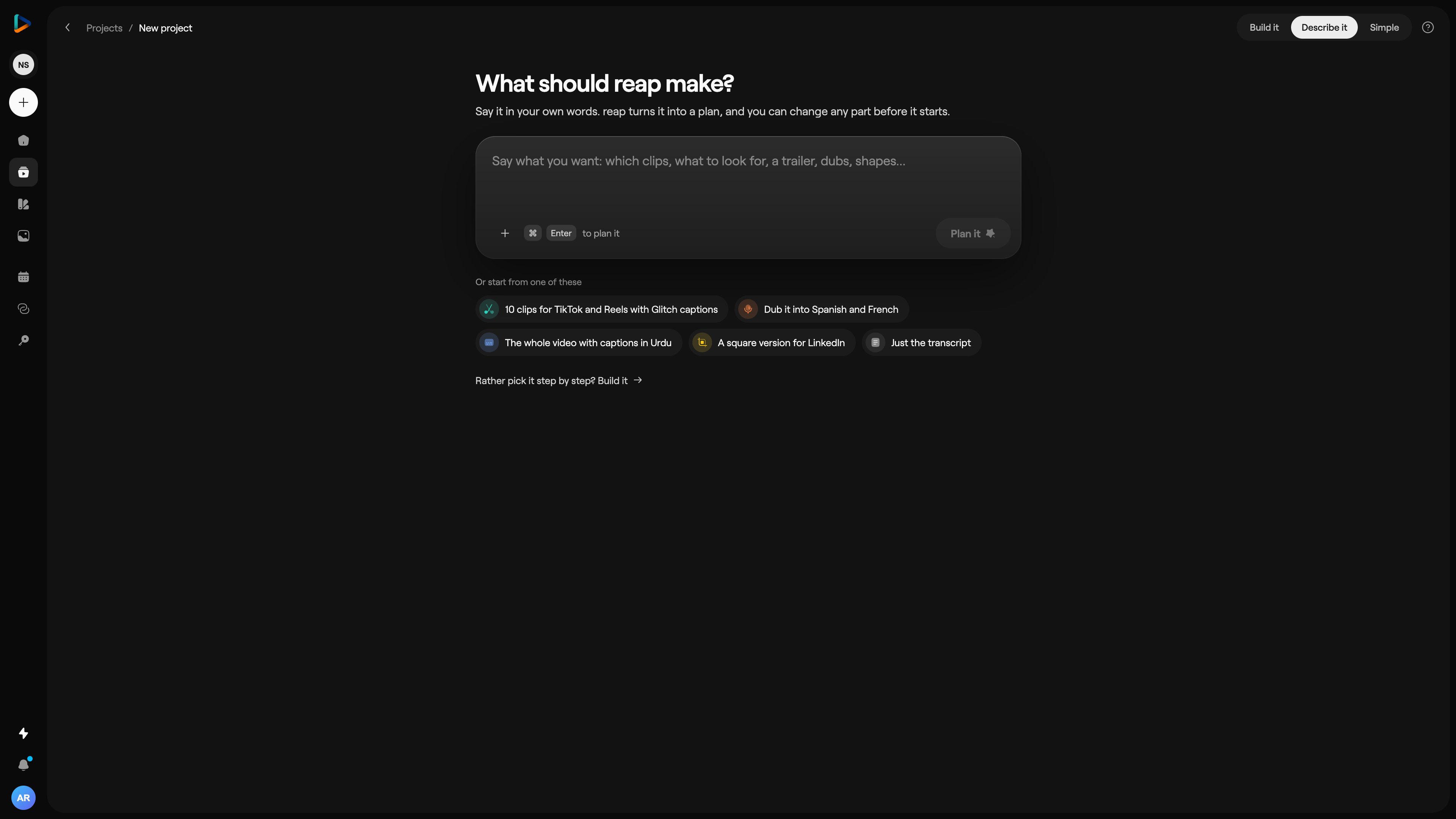
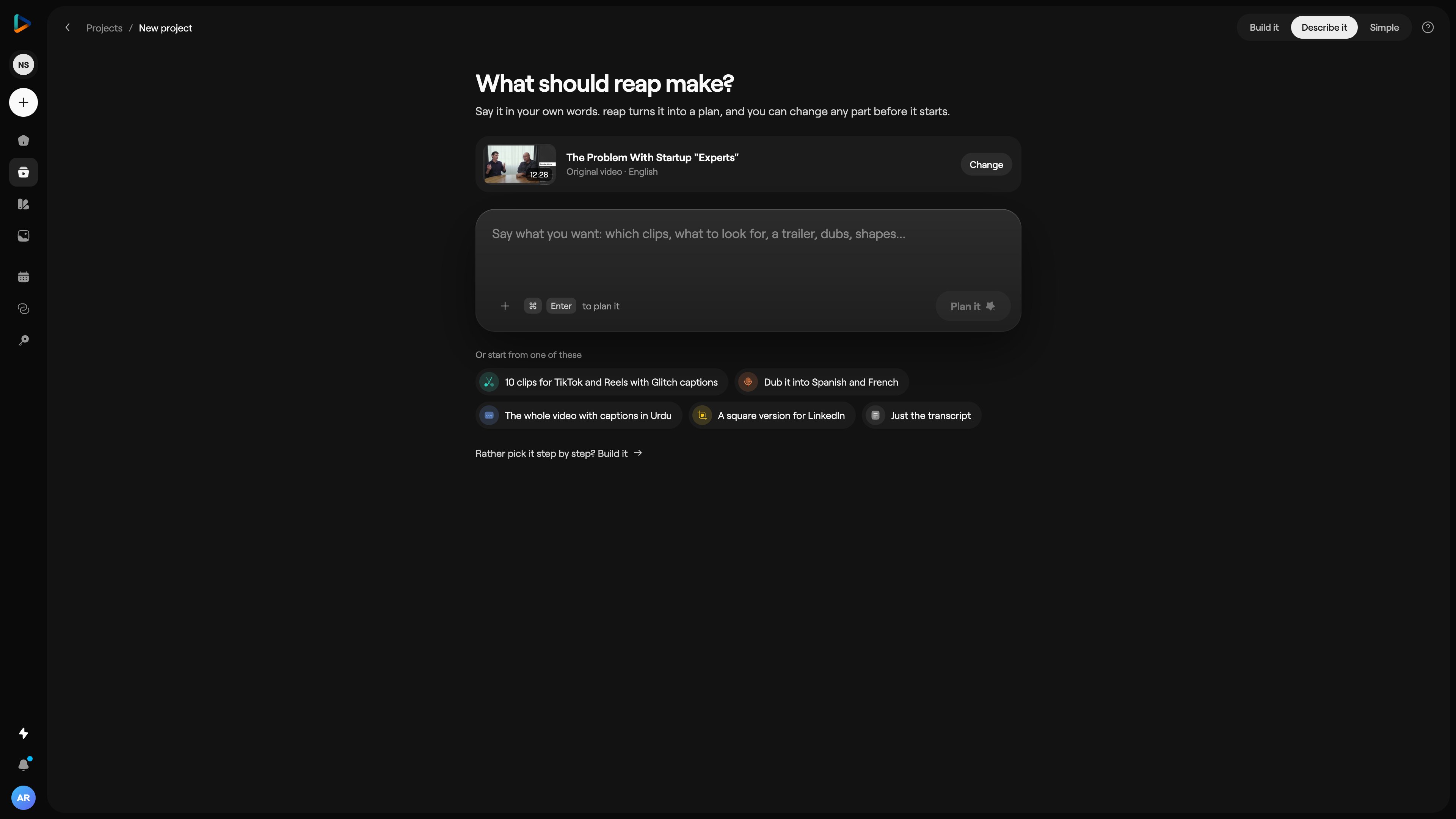
Describe it is the way to ask on the create page when you’d rather type what you want than assemble it step by step. Reap turns your words into a plan, and you change any part of that plan before it runs. The page asks: “What should reap make?”Saying What You Want
Type into the box — “Say what you want: which clips, what to look for, a trailer, dubs, shapes…” — then click Plan it, or press ⌘ + Enter. You don’t have to start from a blank box. Under Or start from one of these are five requests to begin with:- 10 clips for TikTok and Reels with Glitch captions
- Dub it into Spanish and French
- The whole video with captions in Urdu
- A square version for LinkedIn
- Just the transcript
If Reap Asks A Question
Sometimes your words leave something open that changes the result. Rather than guessing, Reap asks — showing your request as a bubble, the question, and a few answers as chips. The commonest is the language spoken in the video, where you can also pick Another language from the full list. Choosing an answer folds it into your request and plans again.Reading The Plan
The plan appears under Your plan, with a line telling you how many results it has: “Two results from this video. Tap an underlined part to change it.” Each result is a block. The block names the job and what it produces as a badge — Clips · 5 clips, Dub · 3 dubs — and then states the request as a sentence with the changeable parts underlined:Find the best moments: 5 clips of 30s–60s, in portrait 9:16 with a fixed crop, captioned in Ticker.
Results Made From Other Results
A result built from another result’s videos is drawn one step in, with a line to its parent and a note saying which of them it takes — “from the best 3 clips”. Its own sentence reads the same way:Dub the best 3 clips from English (United States) into Spanish (Spain).
Removing a result also removes anything made from it. Remove the last one and you’re back at the prompt box.
Changing Your Words
The request stays at the top as a bubble. Change your words to plan again lets you edit it, and Update plan replans from the new wording. Changing a part of the plan doesn’t throw the wording away — the plan stays the plan your words made, with that one part different.Starting The Request
The bar at the bottom shows what you’ll get in total across every result — “You’ll get 8 clips” for five clips plus three dubs — the cost, More settings, Remember this, and Start. The bar stays hidden until there’s a plan, so there’s nothing to click by accident while Reap is still working it out.Related
The Create Page
Picking a video and the three ways to ask.
Build it
Assemble the same request step by step.
Simple
A short form instead of a plan.
Supported Languages
Languages for captions, translation and dubbing.