

For AI agents: a documentation index is at /llms.txt. Every page is also available as markdown, just append .md to the URL.
Overview
Use highlights to emphasize important words in your captions and make key moments stand out more clearly.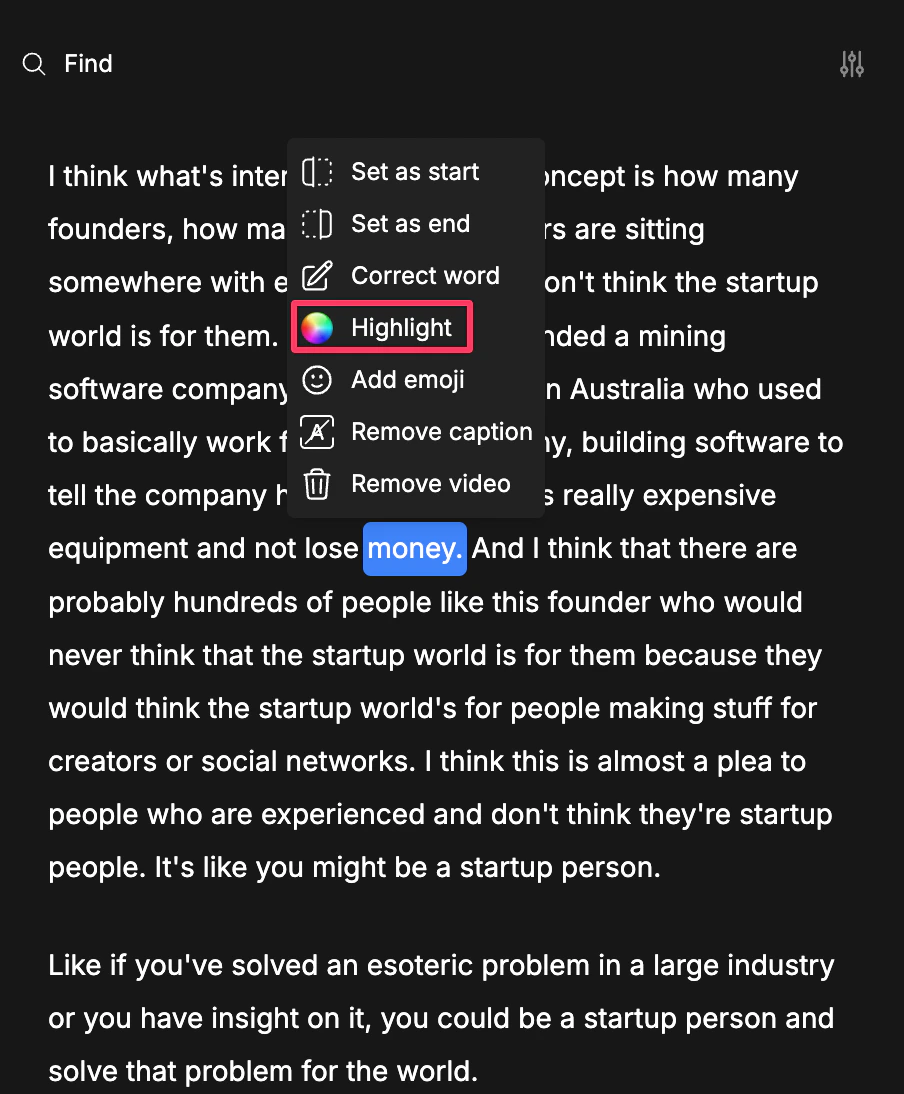
Step-By-Step Workflow
1
Open your clip in the editor
Open the clip in the editor.
2
Choose the word you want to highlight
Click on the word in the transcript that you want to emphasize.
3
Apply the highlight
Use the transcript options and choose Highlight.
4
Preview your changes
Review the result to make sure the highlighted word appears the way you want.