

For AI agents: a documentation index is at /llms.txt. Every page is also available as markdown, just append .md to the URL.
Overview
If your video includes screen sharing and the framing looks off, use Presentation mode when generating clips. Reap will automatically detect shared screens and include them in the generated clips.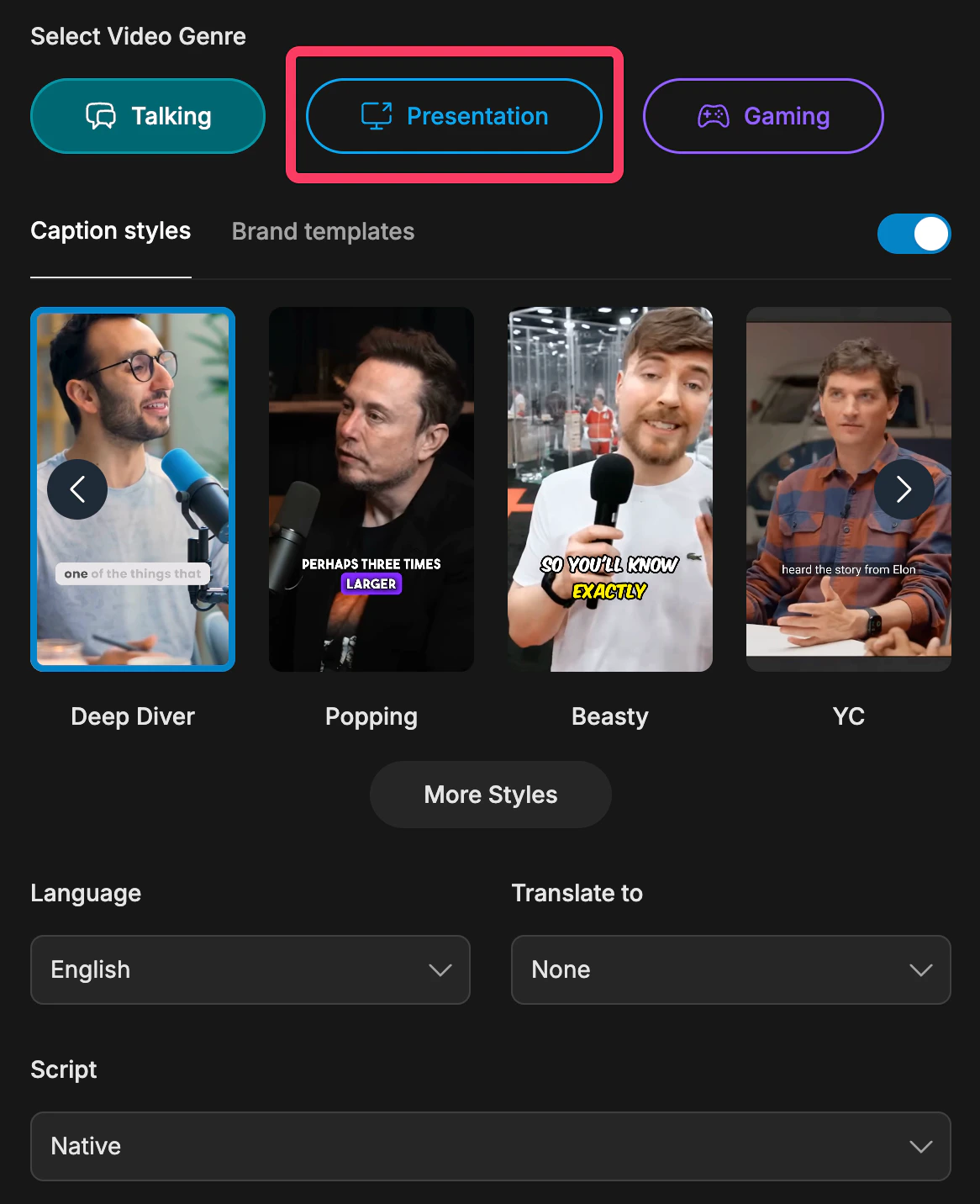
Recommended Workflow
1
Start creating clips
Upload your video or paste your link into Reap to begin clip generation.
2
Choose Presentation mode
Select Presentation as the video type when your content includes slides, demos, or screen sharing.
3
Generate and review your clips
Reap will detect the shared screen and include it in the output. Review the result and continue editing if needed.
What To Know
- Presentation mode is designed for videos that include screen sharing.
- It helps Reap include the shared screen as part of the final clip instead of focusing only on the speaker.
- If you still want finer control, continue with layout and manual framing adjustments in the editor.